Managers stop being the search bar
Everyday answers stay findable even when the expert is not on shift.
workhal turns procedures, schedules, files, and everyday answers into a focused staff portal, built for people doing the work, not people organizing pages.
Information is spread across pages and files, while the same questions still interrupt the shift.
One staff-ready portal brings the day, guides, calendar, files, and answers together in a structure employees can understand at a glance.
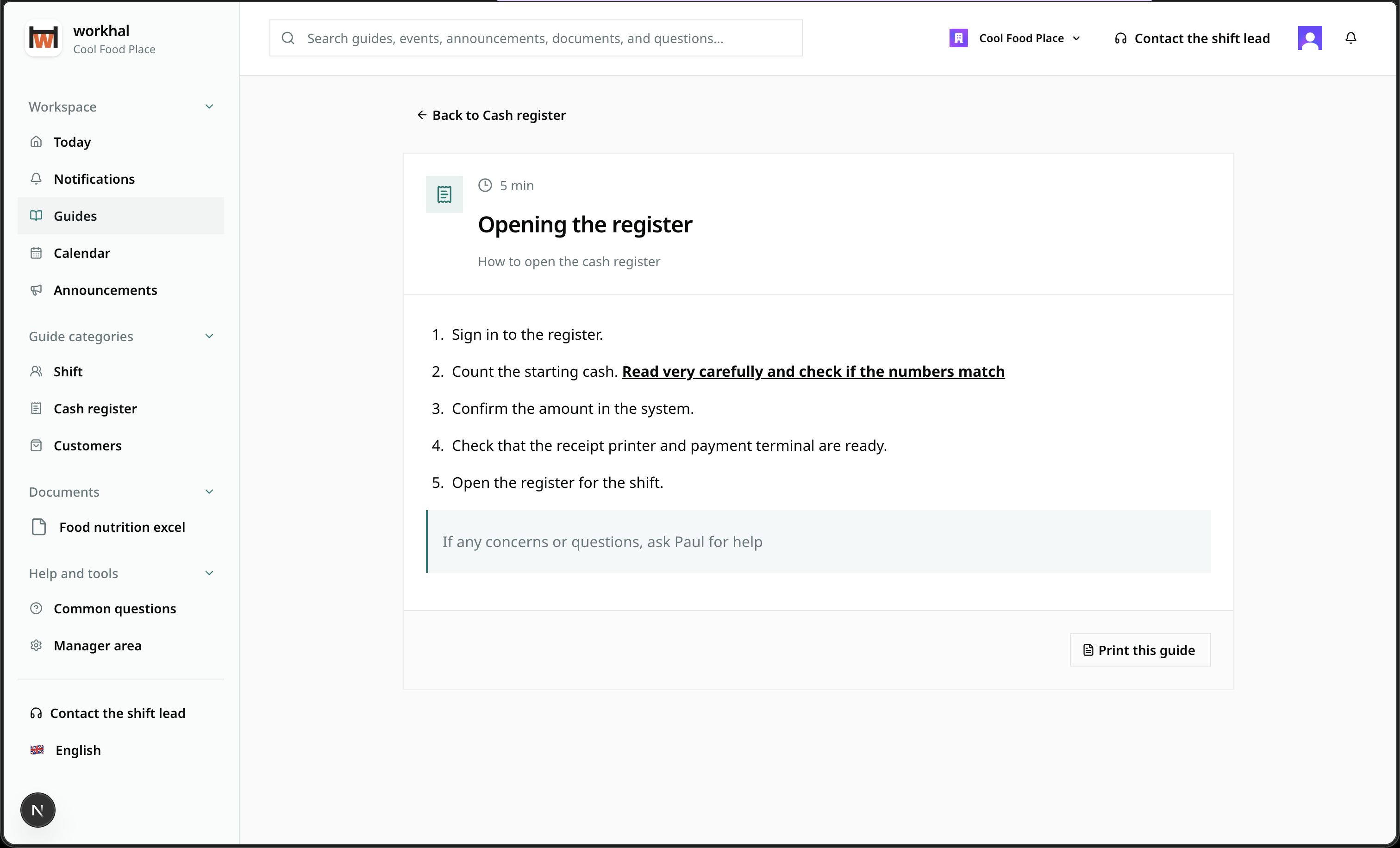
Everyday answers stay findable even when the expert is not on shift.
Clear, repeatable guides reduce dependence on memory and verbal handover.
Important times, responsibilities, and instructions live in the same workplace.
Drafts and manager controls stay separate from the clear employee view.
Today is a branded operational briefing, not a blank page. It brings the day’s schedule, featured instructions, and key workplace information into one clean view.
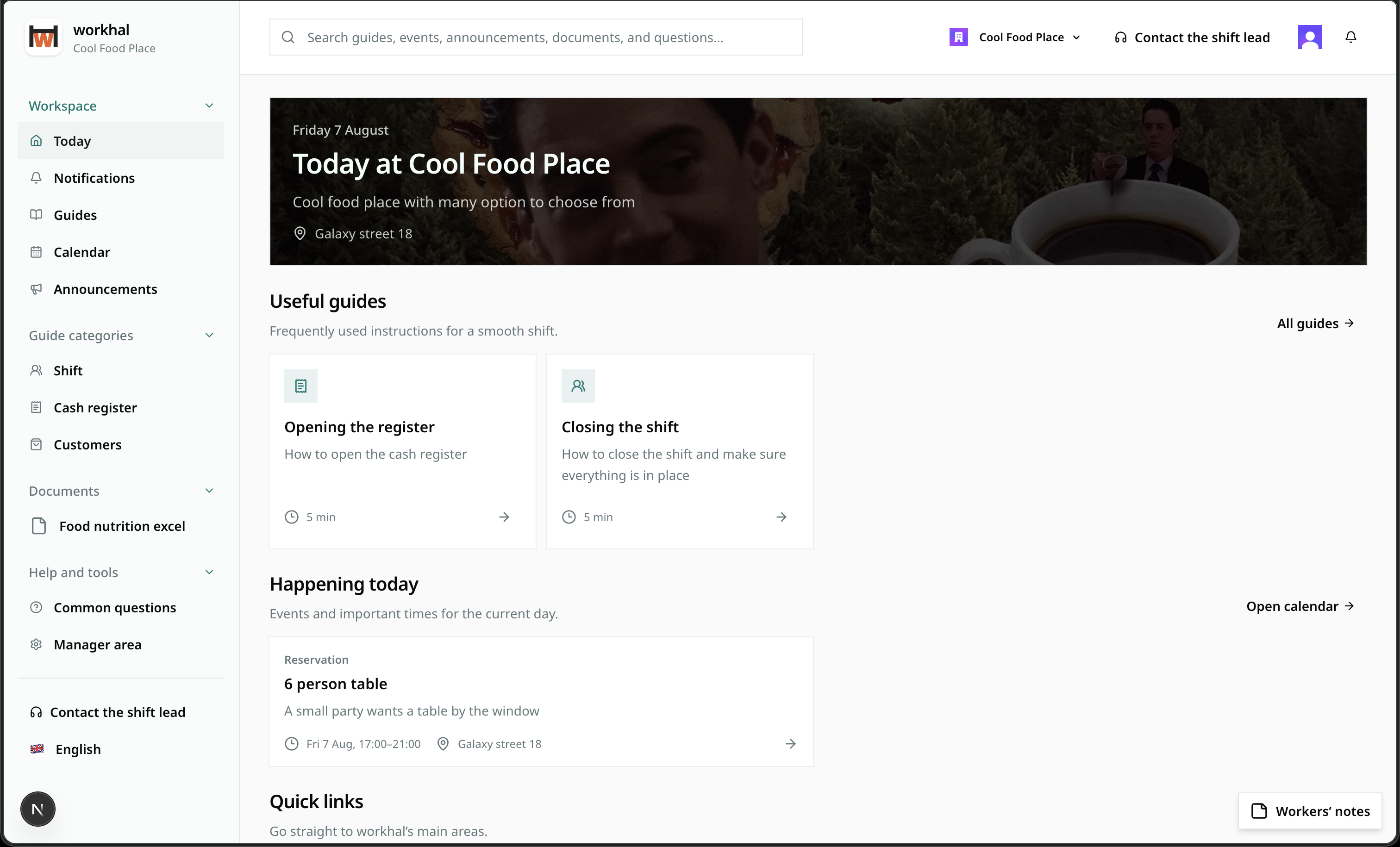
Every part of workhal is shaped around what staff need to know, do, or find during a shift and what managers need to keep it reliable.
Organize step-by-step guides by work area, add reading time and related guidance, feature the most useful ones on Today, and print them when the job needs paper.
Keep reservations, training, maintenance, and key dates together with the responsible people, location, notes, attachments, and the guides needed to prepare.
Upload a file or share an existing link, connect it to relevant guides and employees, and make it discoverable through the same workplace search.
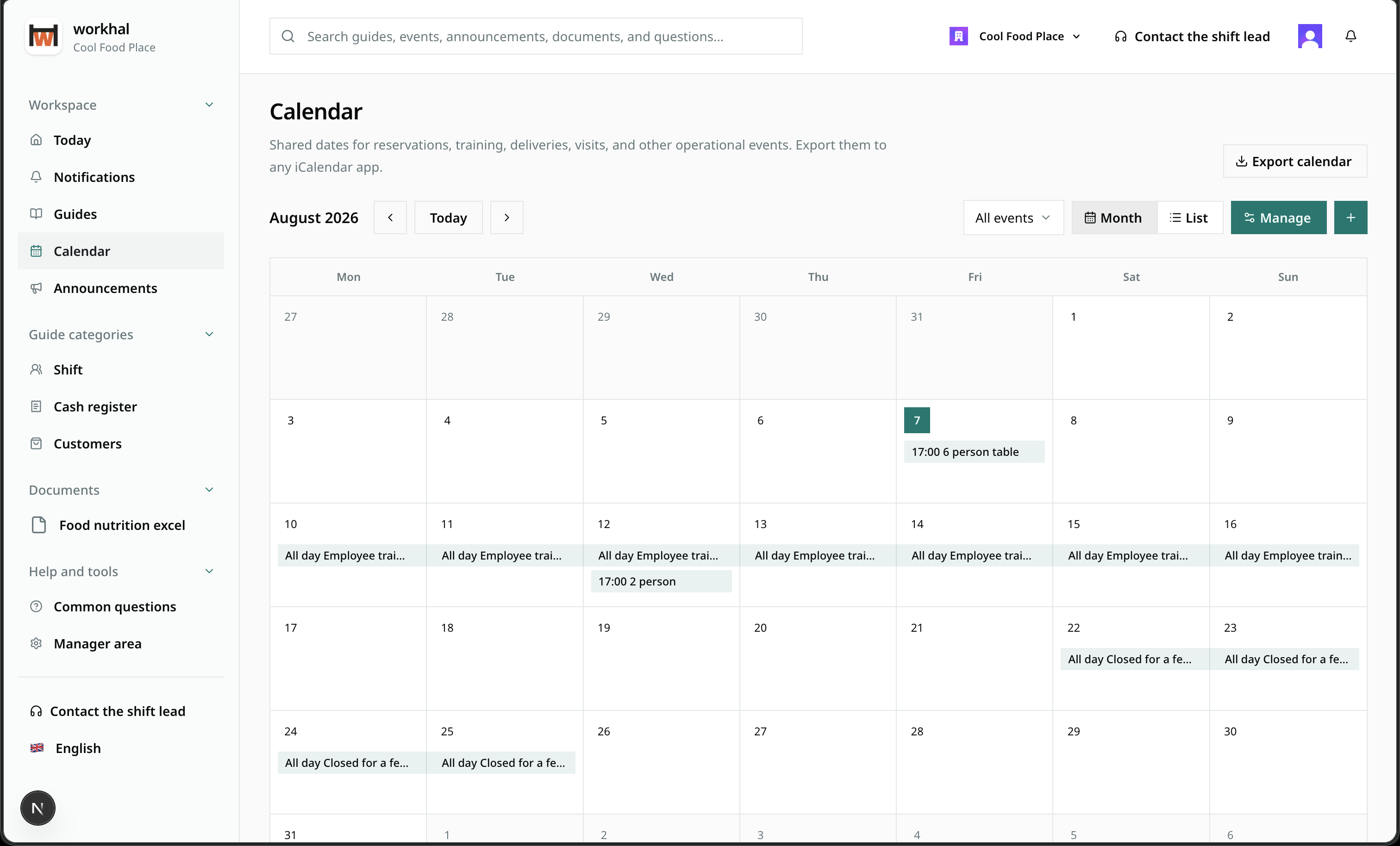
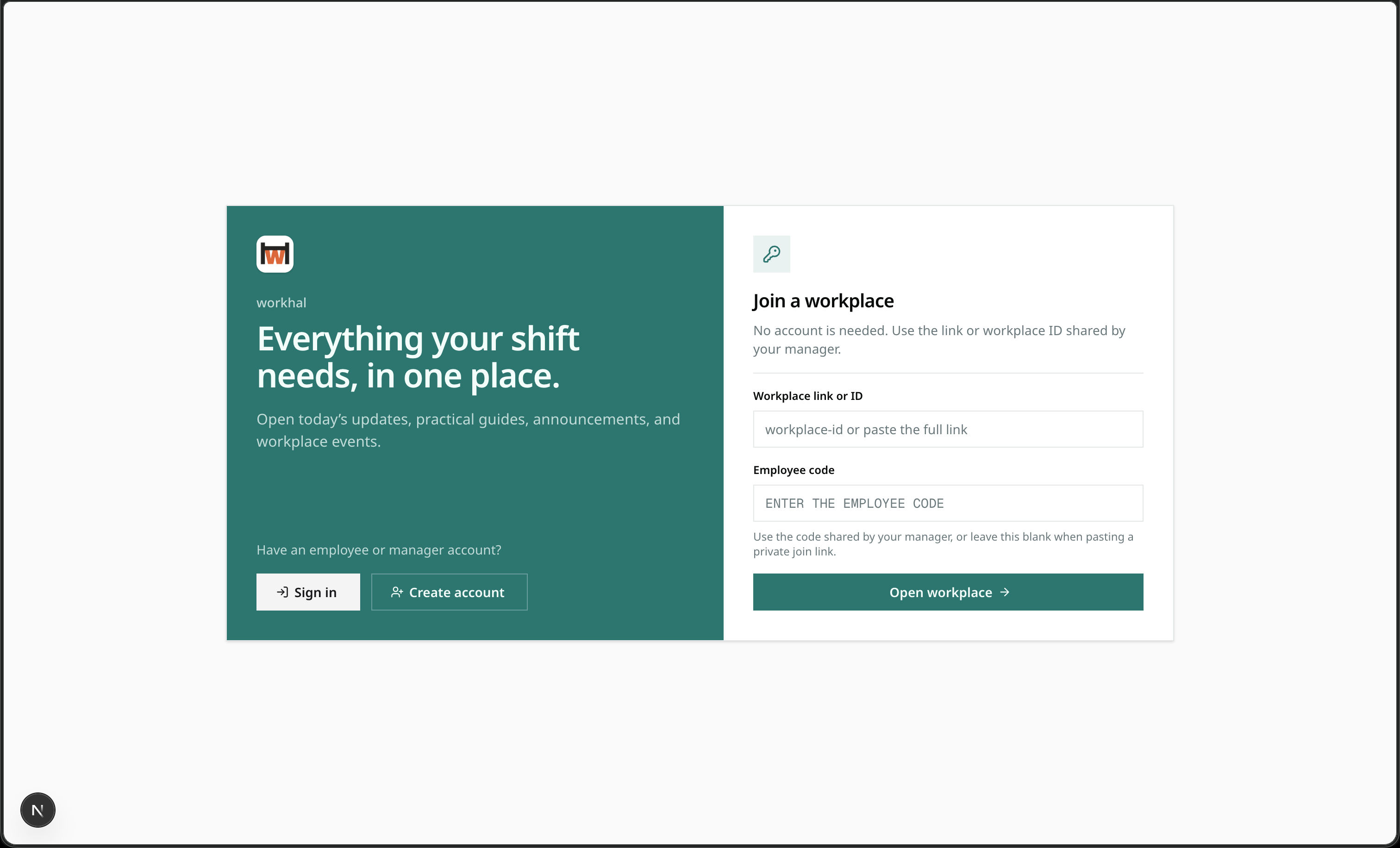
Bring the workplace welcome, quick links, today’s schedule, active announcements, what is coming next, and featured guides into one configurable starting point.
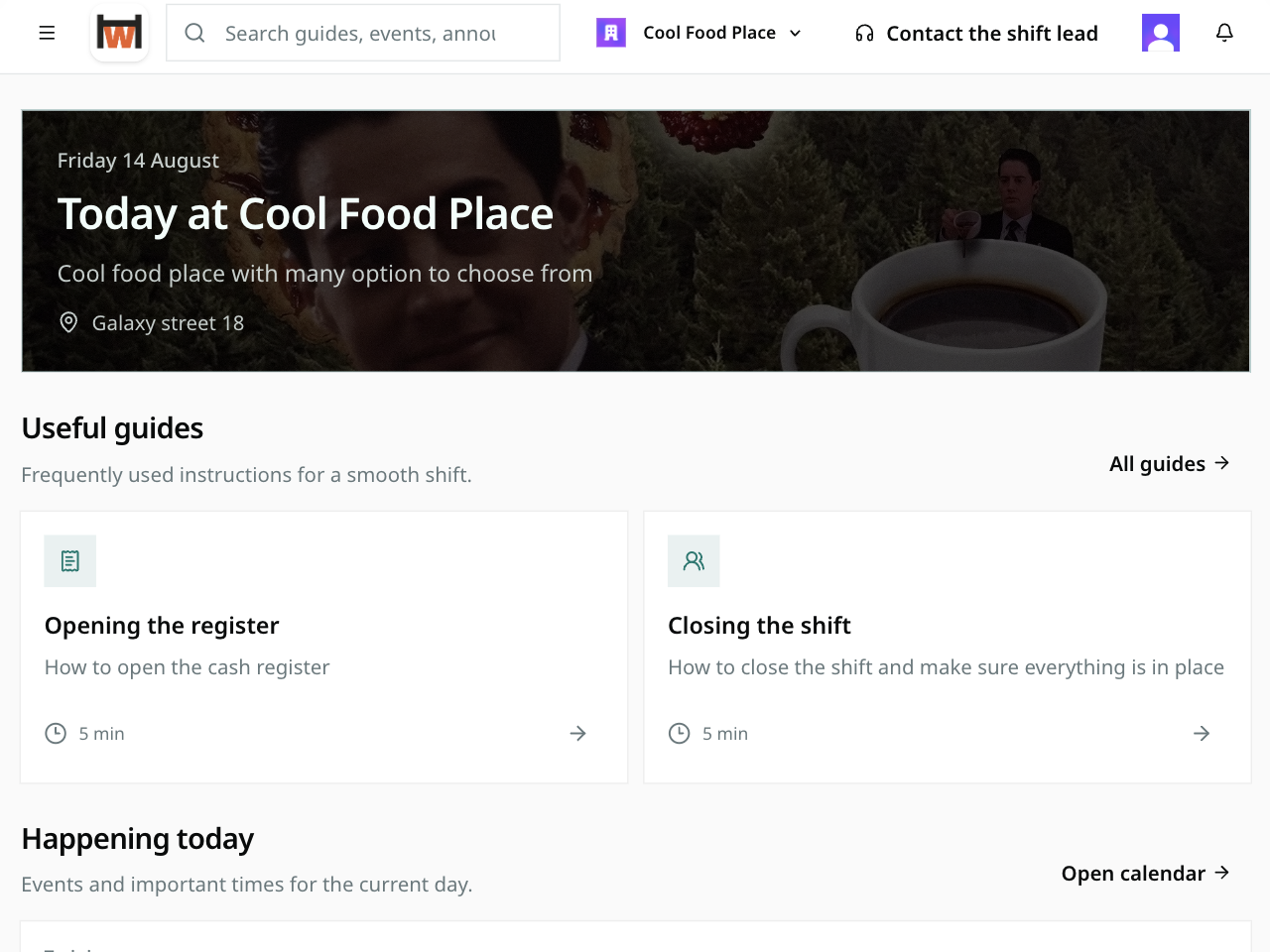
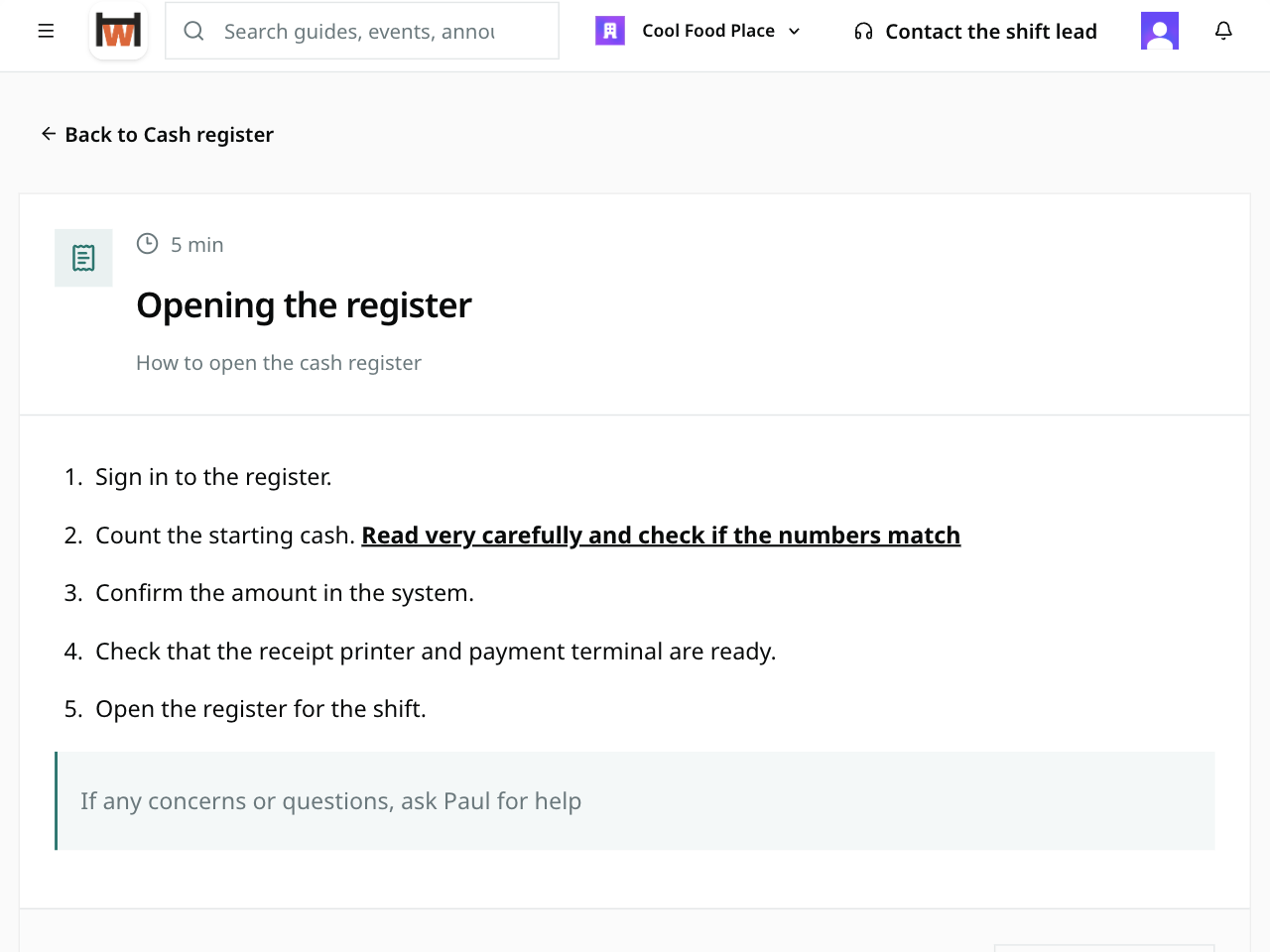
Publish rich, step-by-step guides by work area, connect related instructions, and keep common questions close for the answers people need repeatedly.
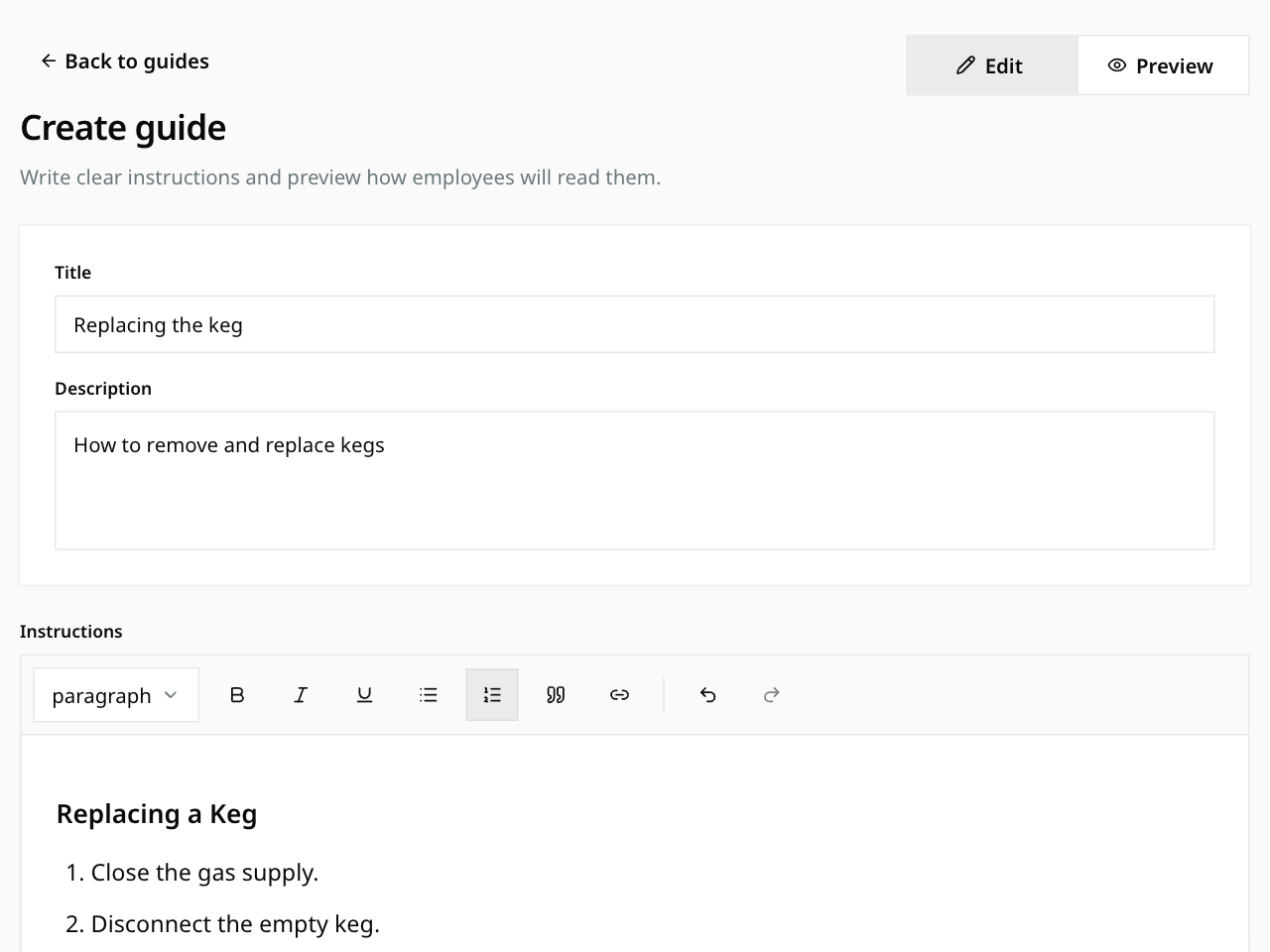
Managers can turn day-to-day knowledge into a polished guide with familiar editing tools, switch to preview, and publish when it is ready.
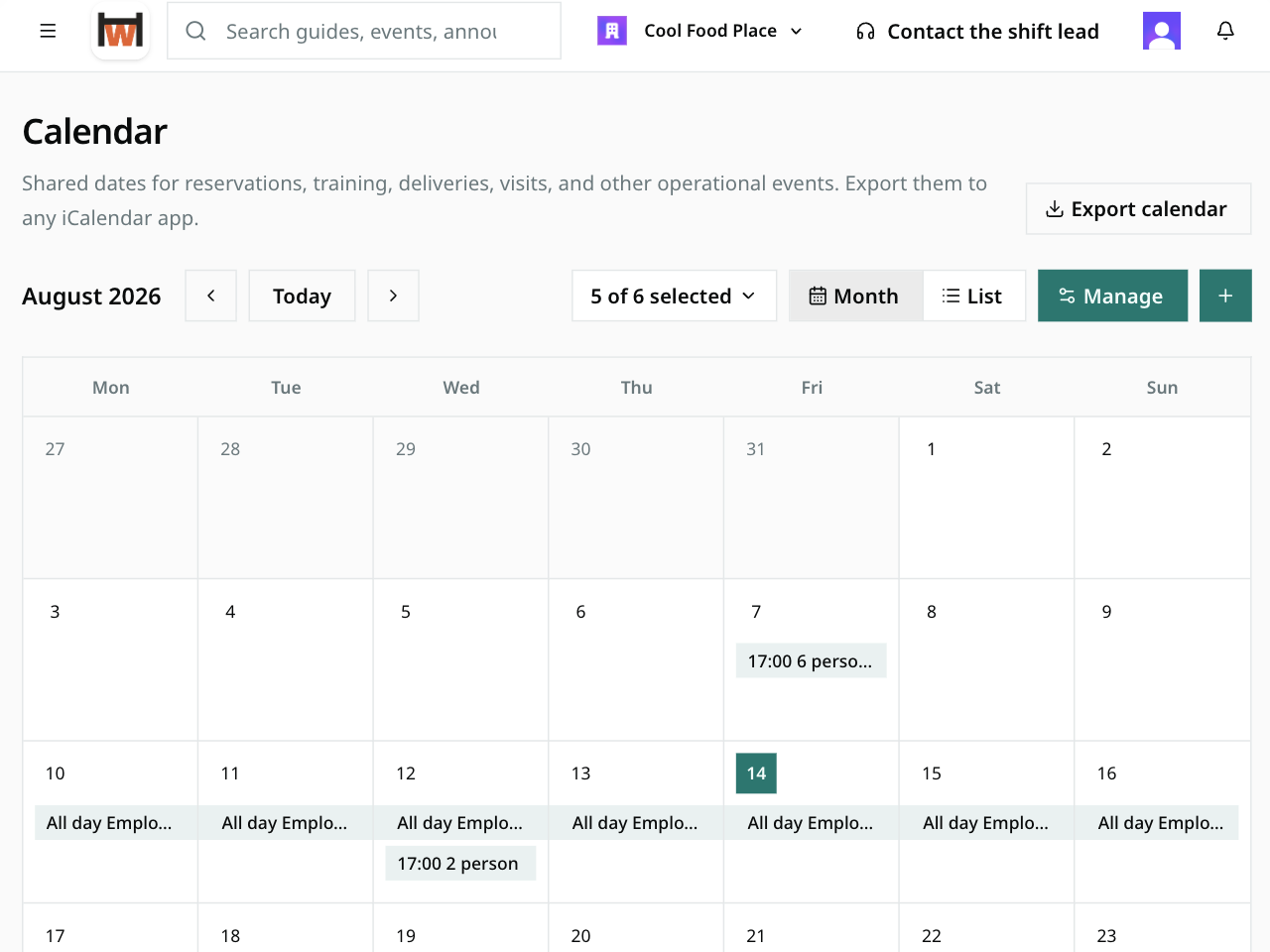
Plan training, reservations, maintenance, and other operational dates with owners, locations, notes, attachments, and the guides needed to prepare.
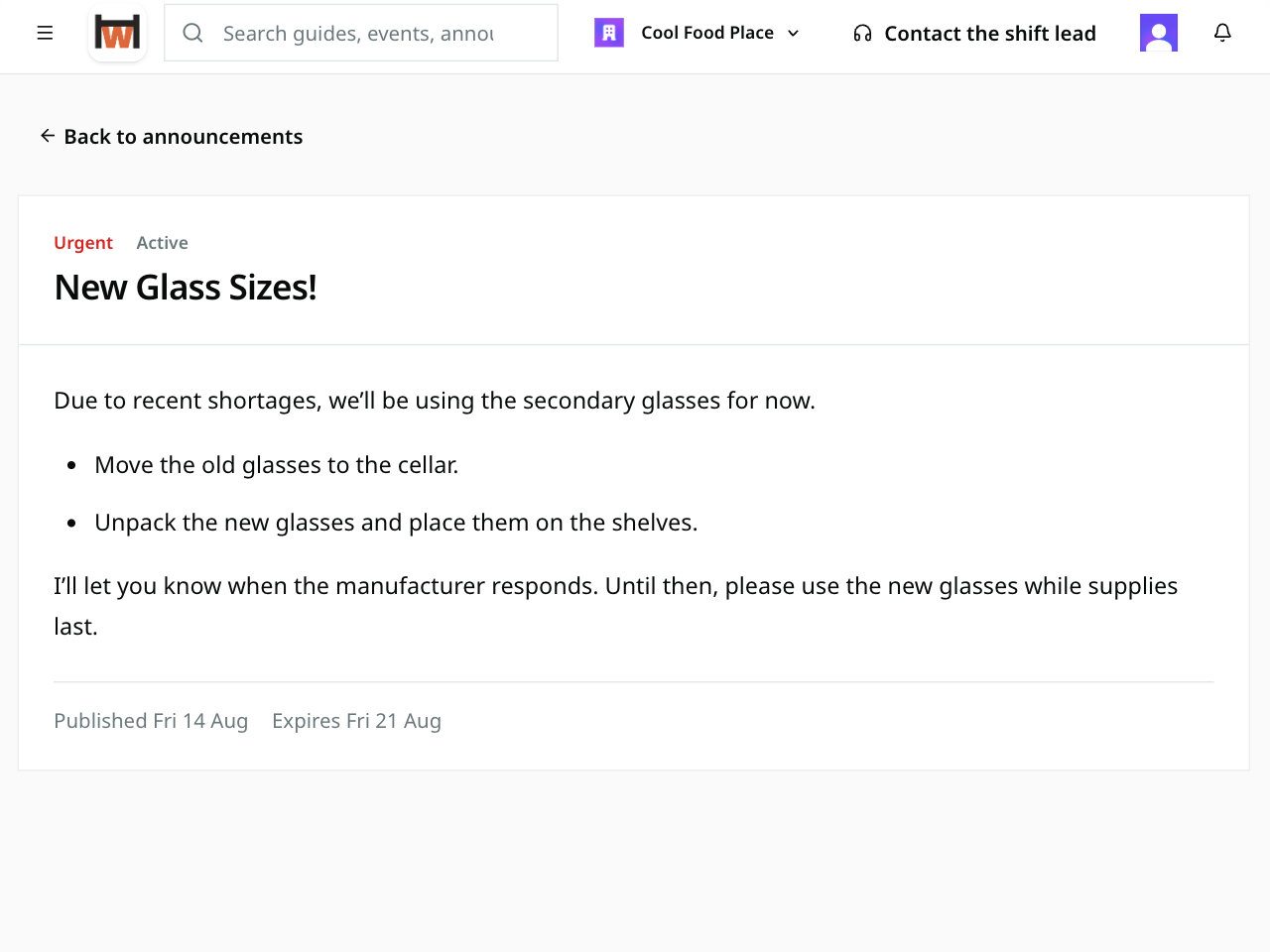
Publish time-bound operational updates, pin priorities, and give staff a notification feed for new content, assignments, questions, and workplace changes.
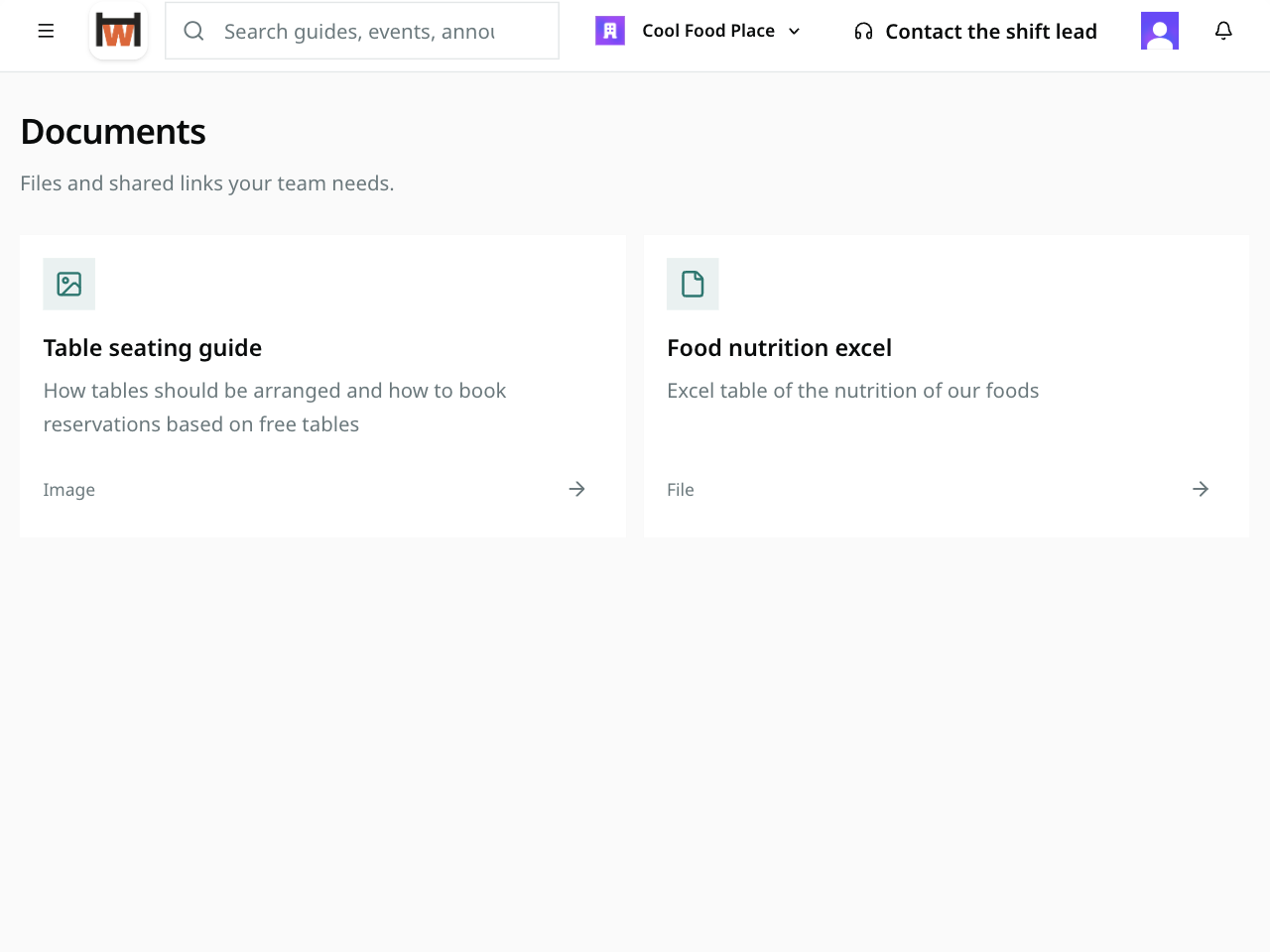
Upload a workplace file or point to an existing link, connect it to the relevant guidance, and assign it to the people who need it.
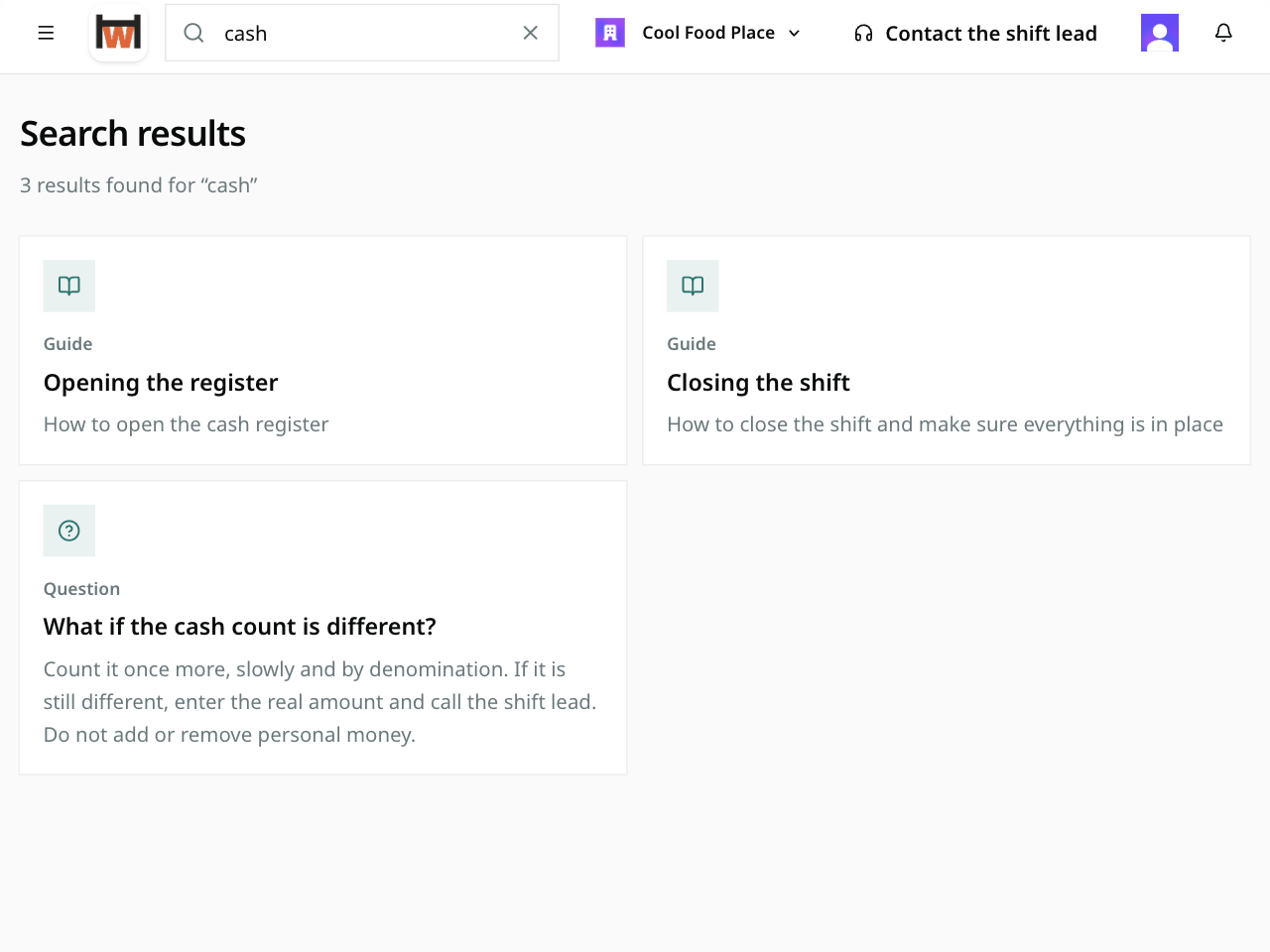
Search across guides, events, announcements, common questions, and documents, while signed-in employees keep an autosaved note pad close to the workday.
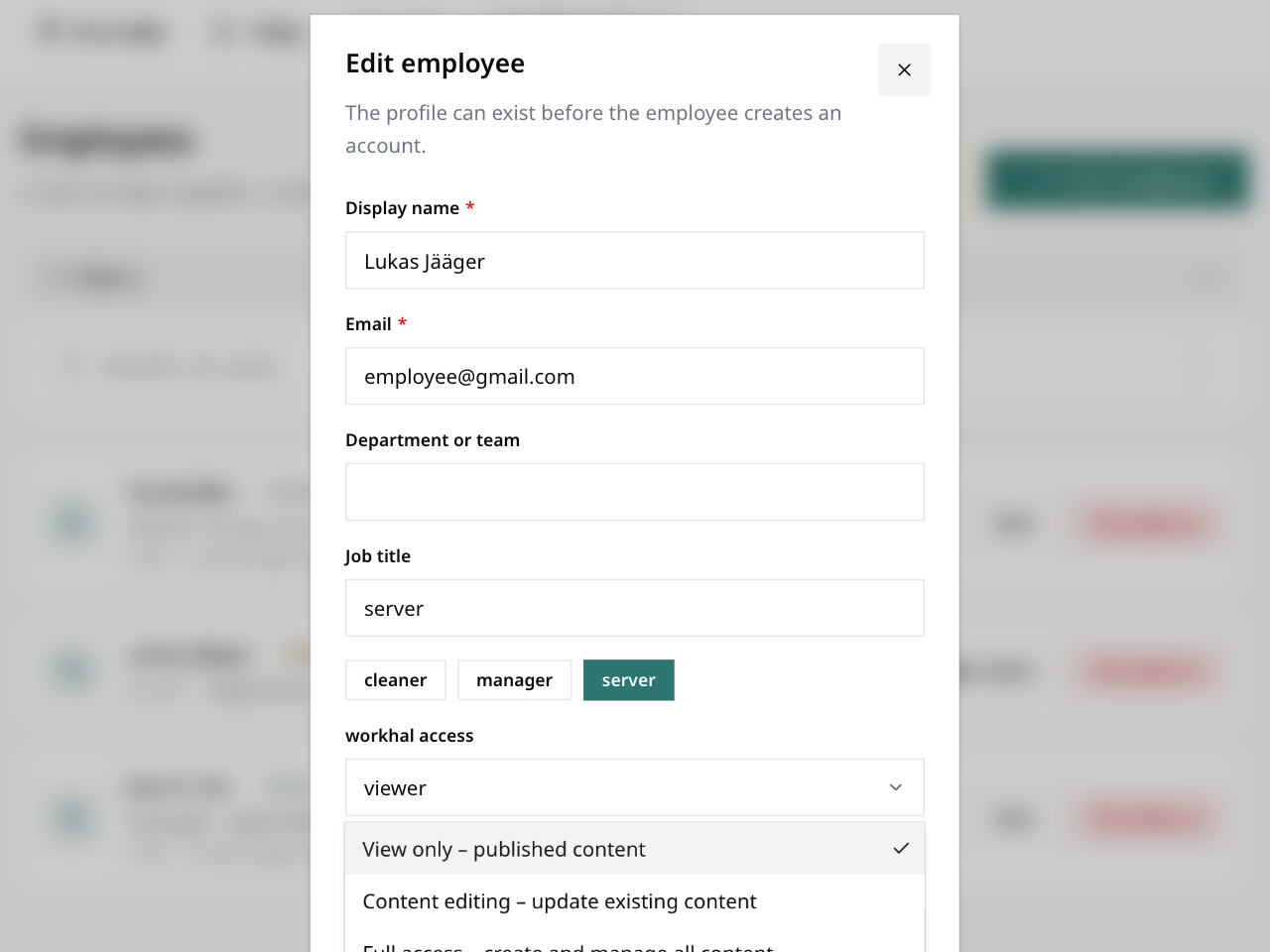
Keep drafts away from the employee view, let selected people contribute to specific areas, and control entry without forcing every employee to create an account.
Docs and Notion are excellent places to create information. workhal is designed to turn approved information into an employee experience that works on shift.
Employees open Today and immediately see useful guidance and what is on the schedule.
Drafting, publishing, access controls, and administration stay on the manager side.
Guides, events, files, responsibilities, and common questions connect through one staff portal.
A clear home designed for quick visits during real work, whether staff use a shared computer or their own phone.
A separate manager area keeps content, staff access, and workplace settings reliable without adding complexity to the employee side.
“Your knowledge should do more than exist. It should be available when the work needs it.”
Clear explanations of the key things teams need to understand.
No. A workplace can be open to anyone with the link or protected with a join code or private link. Access can be remembered on the device, which makes workhal practical on shared workplace computers and employees’ phones. An employee account is still recommended, though, because it lets managers assign roles and keep employee-specific data.
Docs and Notion are flexible places to create pages. workhal is a ready-made employee portal: it starts with the workday, keeps published information separate from manager controls, connects guides to events and files, and gives staff one task-focused search across the workplace.
Use guides for repeatable tasks, the calendar for reservations, training, maintenance, and other operational dates, the document library for files and shared links, and common questions for fast everyday answers. Alongside these main features, workhal also includes smaller conveniences that make everyday work easier, such as personal notes for workers.
Yes. Give people view-only, editing, or full content access. Drafts stay out of the employee view until they are published, and the activity history shows who created, changed, or removed workplace content.
Yes. Start with the recurring answers, practical guides, and important dates the team needs most often, then add the rest at a pace the workplace can maintain.
Give staff one clear source for the workday—and managers one place to keep it trusted.
See workhal in action